
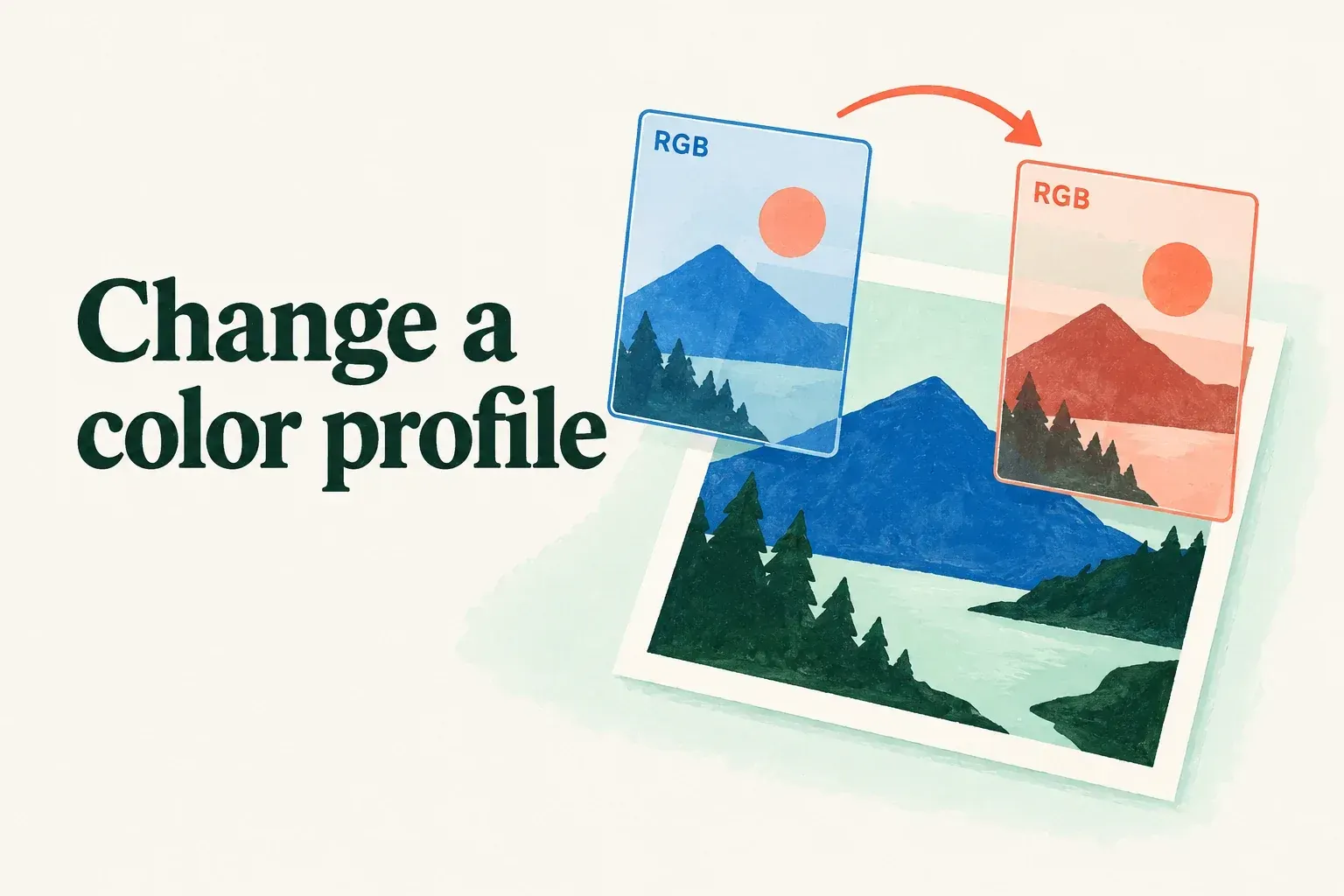
An existing Procreate canvas can change its color profile only within its current color space. An RGB artwork can move to another available RGB profile, but this control can't turn it into CMYK. I'd change a duplicate and keep the original untouched for comparison. This menu doesn't make the initial RGB-or-CMYK choice, which the canvas color-space guide explains.
Find the profile already attached to the artwork
Open the artwork and go to Actions > Canvas > Canvas information > Color profile. Read the current profile and whether the canvas is RGB or CMYK before making a change. The available choices depend on that existing space. Do not use a profile name as a promise that another device or printer will reproduce the same appearance.
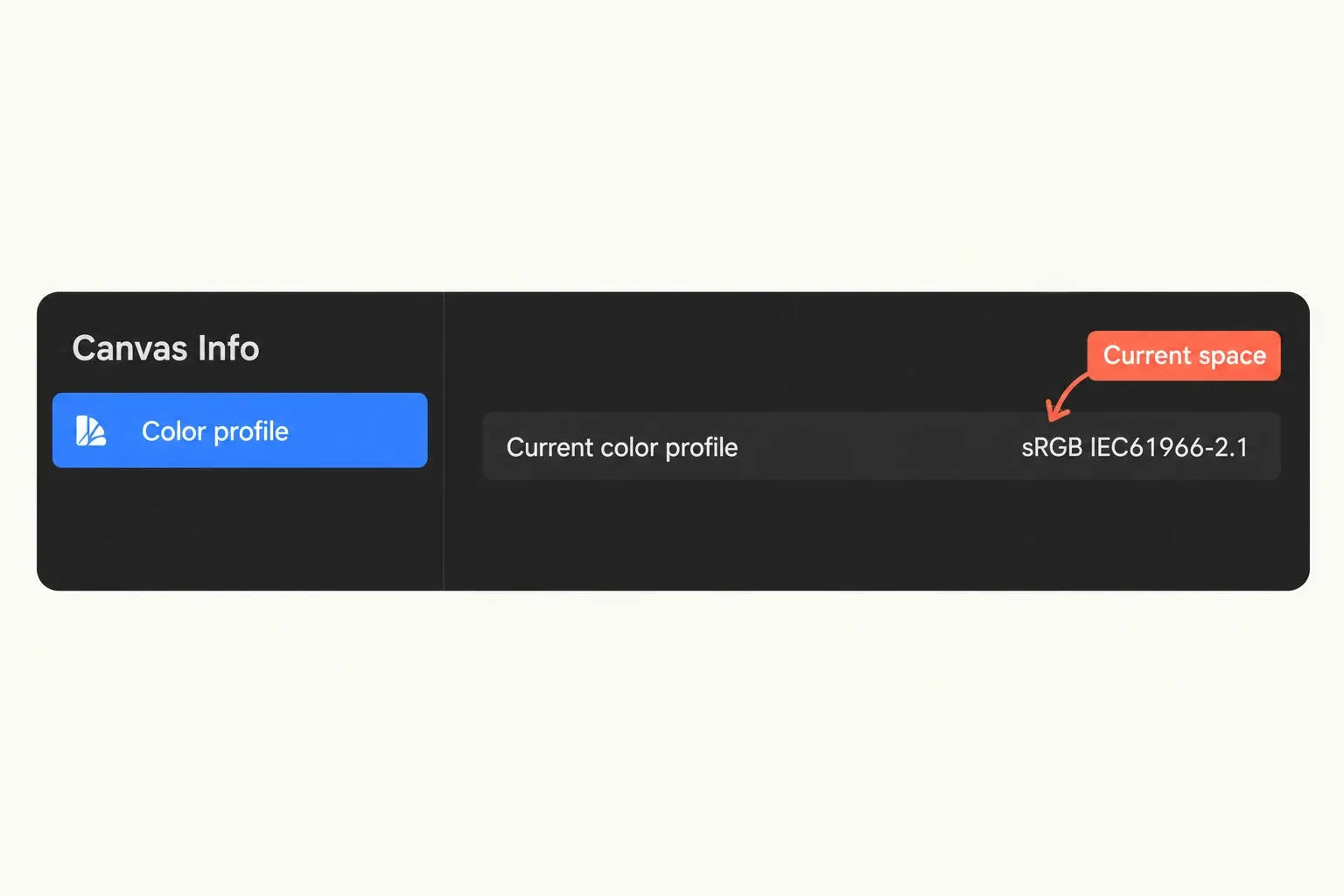
Before changing the profile, remember that the change can also affect the time-lapse's appearance. If the destination requires a different profile within the same space, record the current profile, the requested replacement and the intended export format.
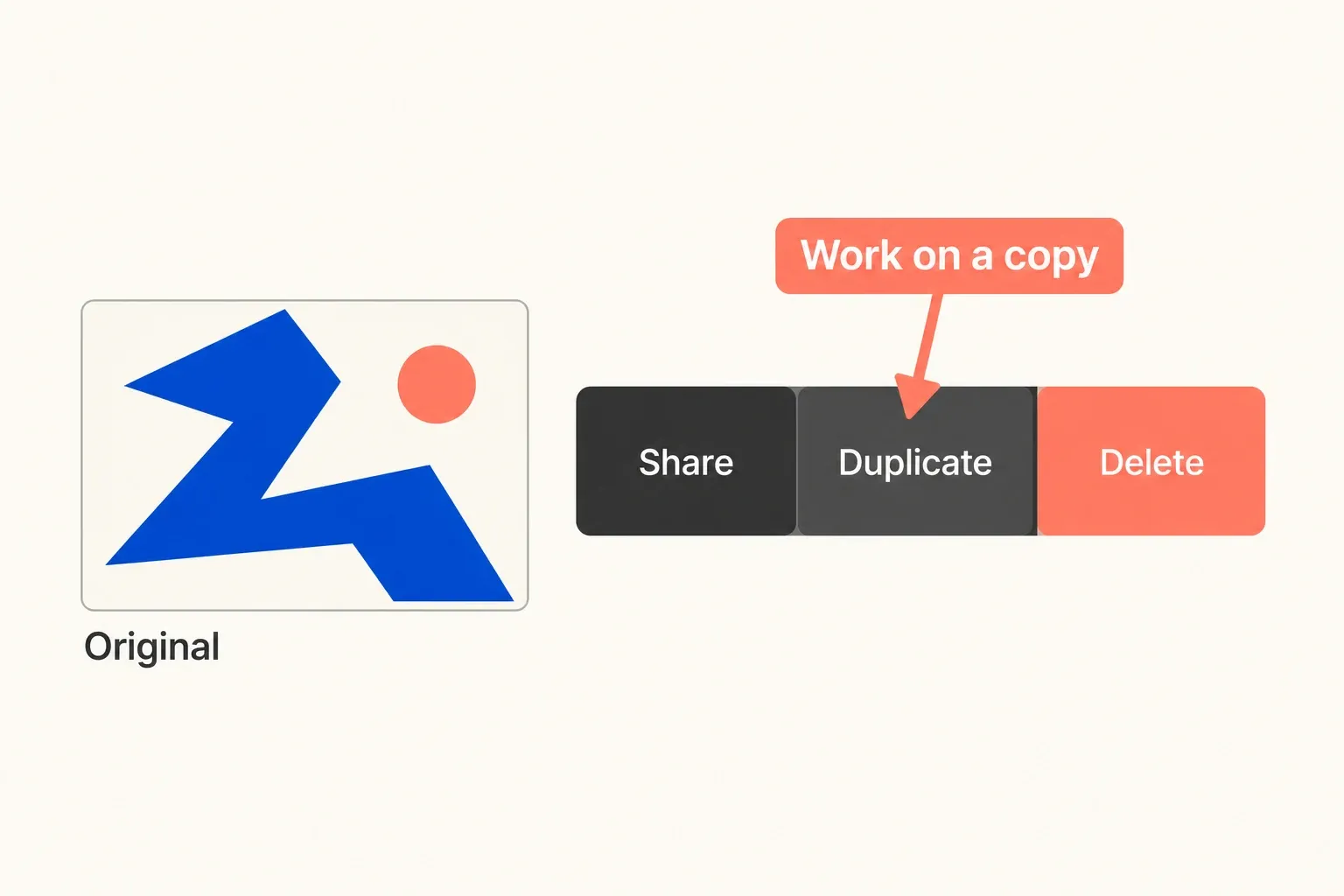
- Return to the Gallery. Swipe the artwork thumbnail to the left and tap Duplicate.
- Tap the title beneath the duplicate's Gallery thumbnail and give it a distinct name, such as “Delivery profile.” Open that named copy and leave the original artwork unchanged.
- In the working copy, return to Actions > Canvas > Canvas information > Color profile. Choose the recipient-requested profile from the available choices within that same RGB or CMYK space.
- Reopen the profile information to check the working copy's selected profile. Compare the changed canvas with the unchanged original, especially saturated colors and dark areas.
Know the profile menu's limits
If the requested profile isn't listed, confirm the recipient's requirements before choosing a substitute. When the recipient needs the other color space, plan a new-canvas or external file-conversion workflow. This menu isn't a conversion command. For requirements from a receiving printer or service, use the separate color-profile handoff guide.
Check the output affected by the change
Compare an exported still with the unchanged artwork, paying attention to saturated colors and shadow detail. In the receiving app, check the file’s profile information when the format carries it, and record which profile was used for delivery.
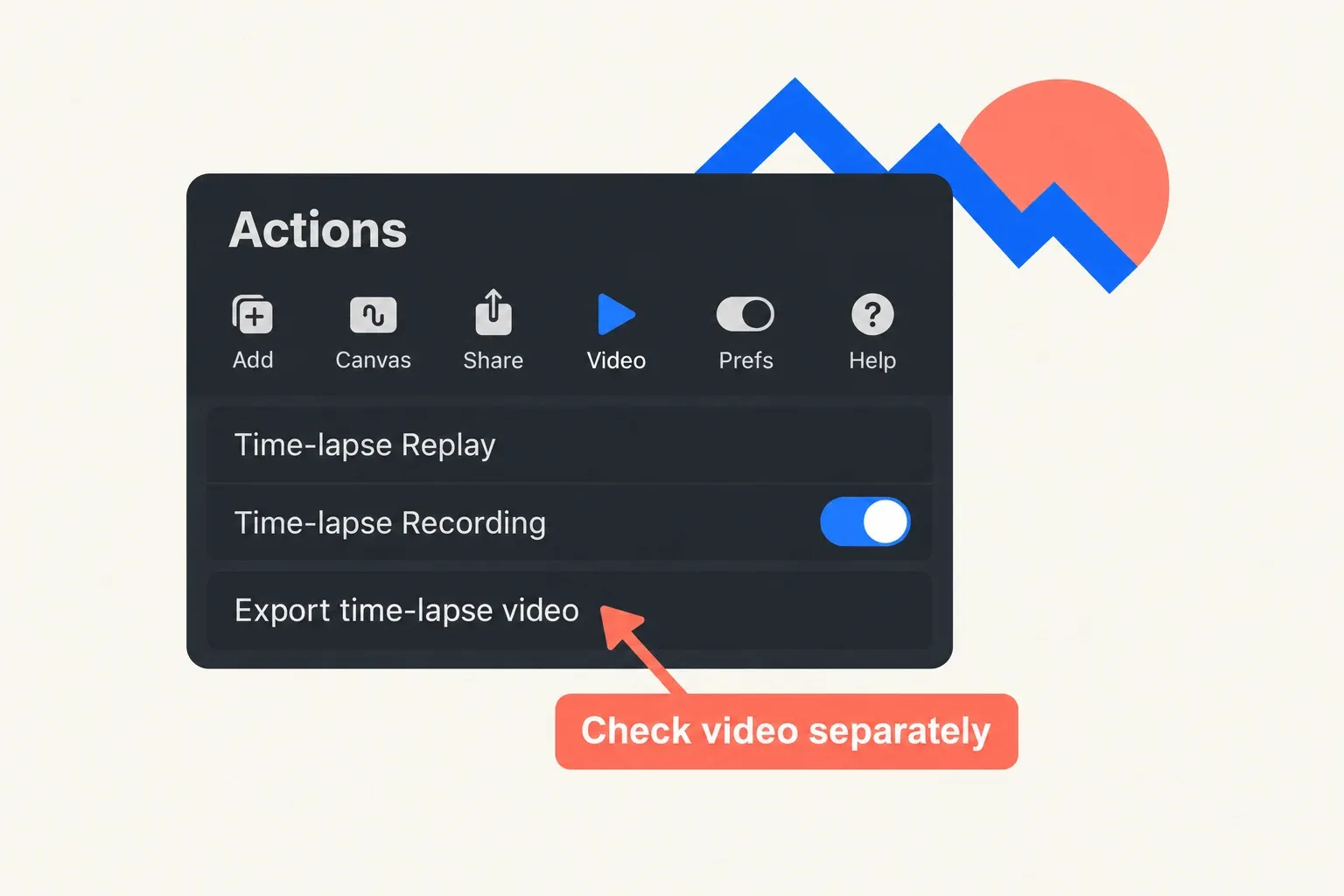
If the video is part of the handoff, inspect its exported version separately. A satisfactory still doesn't replace this check.
A screen preview alone can't show how the artwork will look on another display or in a physical print. This menu tells you what Procreate allows. The receiving service's requirements, file format and any proofing step are separate questions.