Procreate Clipping Masks: Paint Inside a Shape Without Erasing the Base
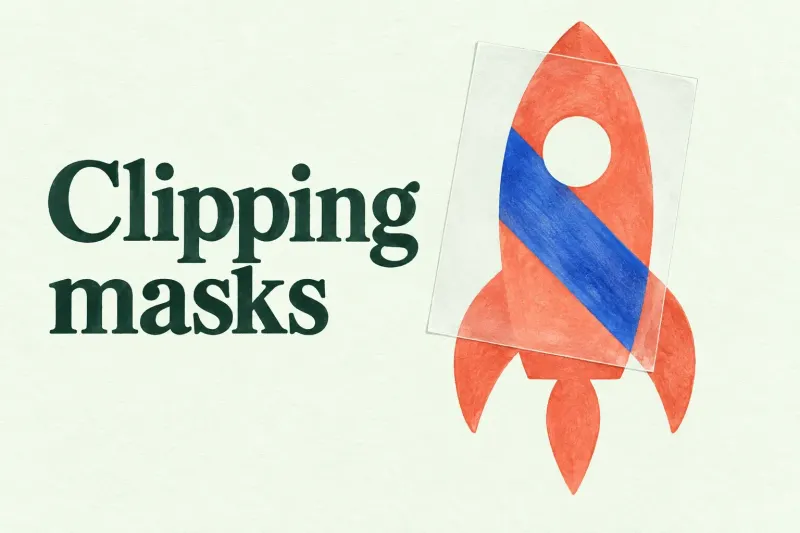
Keep shading on a separate clipping-mask layer, identify the shared base in a clipped chain, and check layer order before repainting a missing effect.
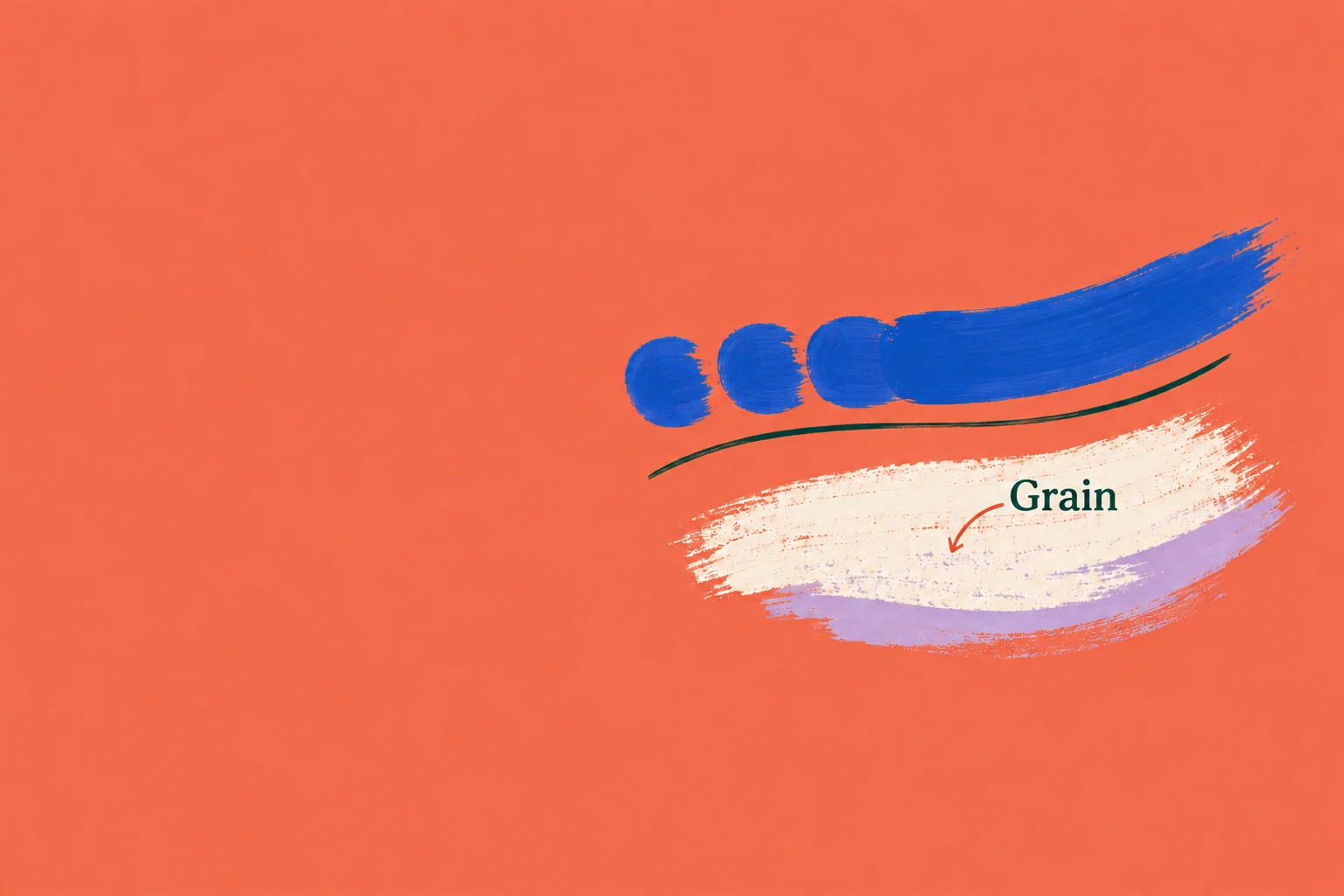
Shape, grain and pressure: what changes the stroke.
Browse brush guides
Keep shading on a separate clipping-mask layer, identify the shared base in a clipped chain, and check layer order before repainting a missing effect.
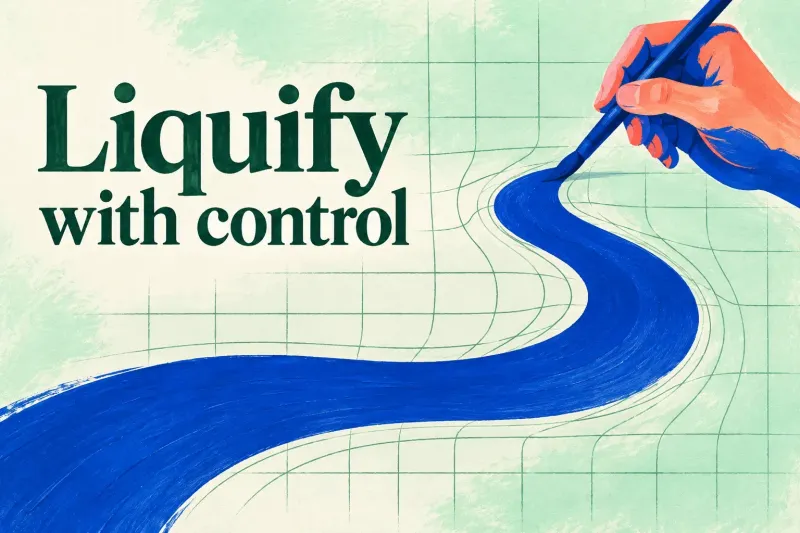
Warp a duplicate with Push or directional Twirl, control the stroke strength, and finish Reconstruct or Amount changes before committing.
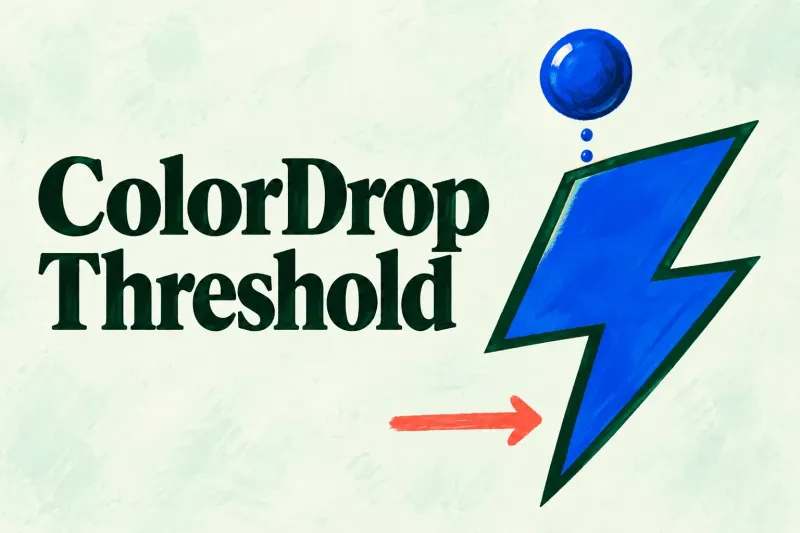
Lower Threshold for a leaking fill, raise it carefully for an inner fringe, and inspect the remembered value before the next ColorDrop.
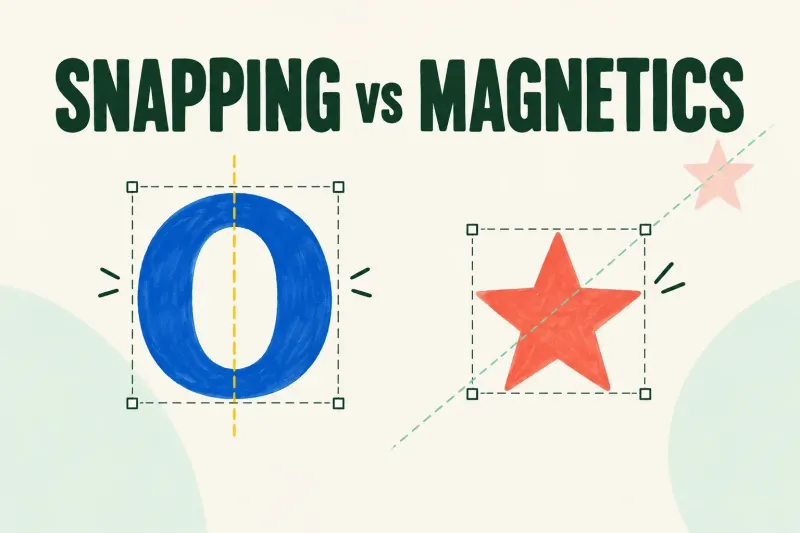
Check Snapping for jumps to an edge or center, and Magnetics for constrained motion. Distance and Velocity adjust Snapping only.
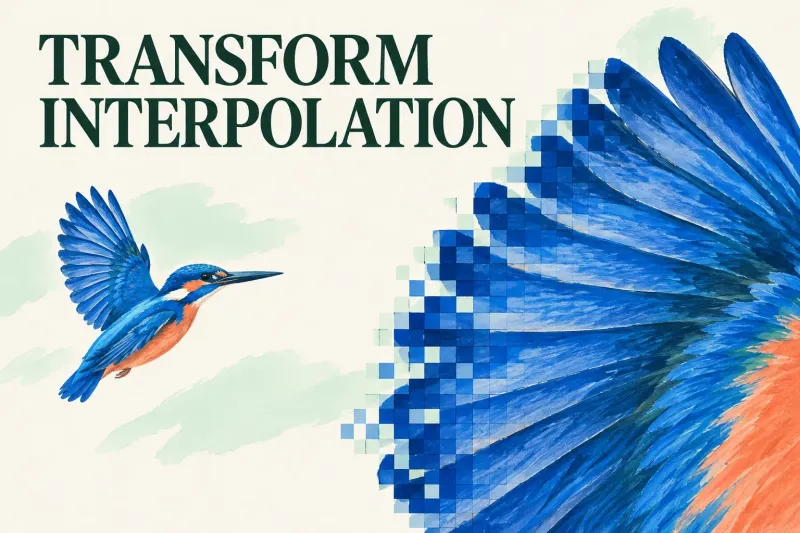
Compare Transform methods on a duplicate: preserve intended pixel steps, painted transitions or thin lines at the final viewing size.
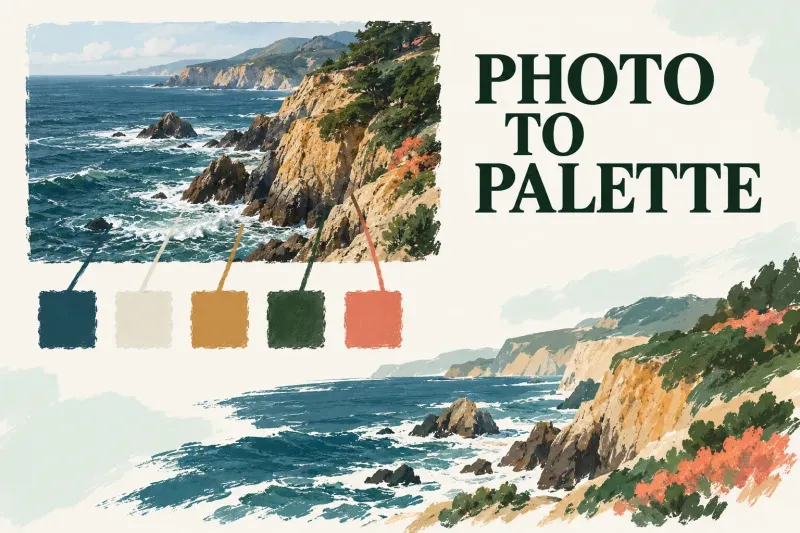
Create swatches from a photo or JPG/PNG file, rename the palette, set it active and save a shareable copy before deleting it.