Procreate to Photoshop: Export and Open a Layered PSD
Move your drawing with Actions → Share → PSD, then File → Open in Photoshop. Keep the native source and check layers, appearance and color before editing.
No matching guide. Try a shorter phrase or clear the search to browse all published guides.
Move your drawing with Actions → Share → PSD, then File → Open in Photoshop. Keep the native source and check layers, appearance and color before editing.
Export native Procreate copies to secure locations, keep dated checkpoints, and check that a restored copy opens before deleting or migrating artwork.
Choose RGB or CMYK from the destination's actual specification. Procreate cannot switch an existing canvas between them, so keep the native master for each handoff.
Check this canvas's capacity, keep a native master, and consolidate only finished layers. Changing DPI alone does not create extra room.
Choose and refine a selection, then copy, recolor, or move the region. Work on a duplicate to retain the original, and save useful selection boundaries.
Record source and file pixel dimensions, inspect actual copies in a viewer with a documented native-pixel mode, and find where sharpness first changes.
Check the clipping base and layer order first. In a duplicate, disable Alpha Lock before a temporary full-layer fill, then undo that diagnostic change.
Calculate canvas pixels from the printer's trim size, bleed and requested PPI, then check the aspect ratio, layer capacity and delivery profile.
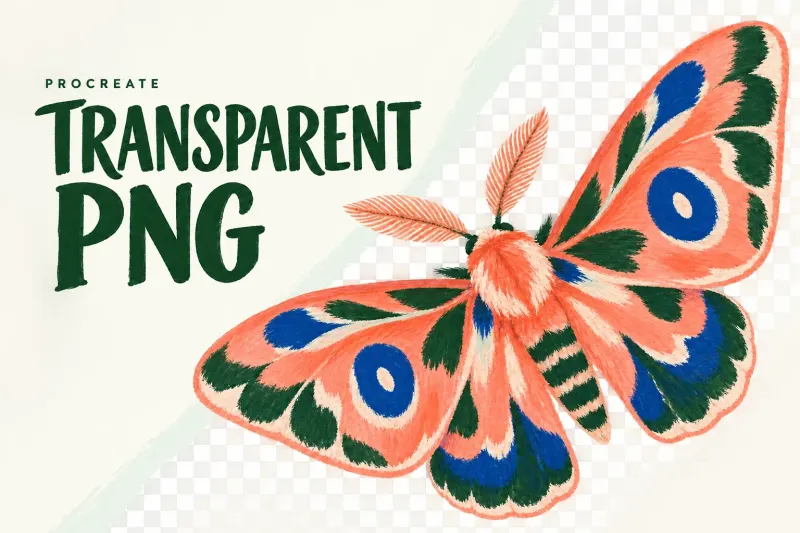
Hide Background color and any painted backdrop, export PNG, then inspect the actual saved file over light and dark backgrounds before delivery.
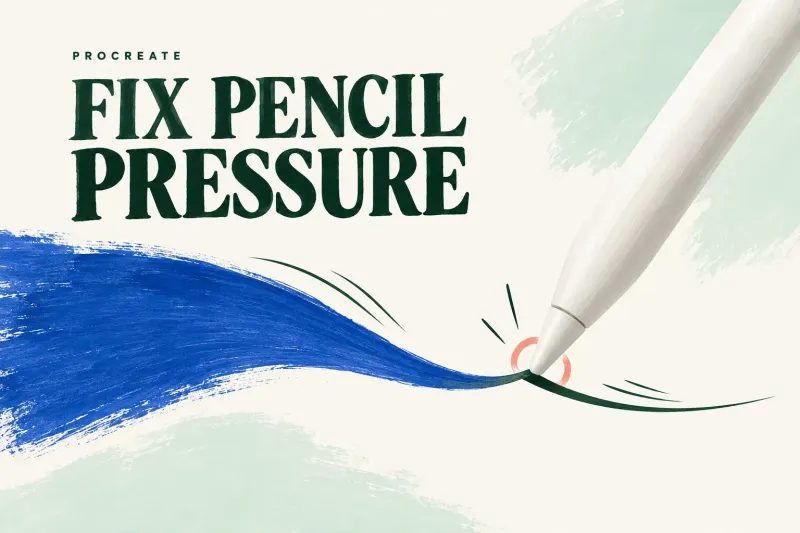
Identify the Pencil model first: USB-C has no pressure sensitivity. For pressure-capable models, check pairing and the Classic Library diagnostic brushes.
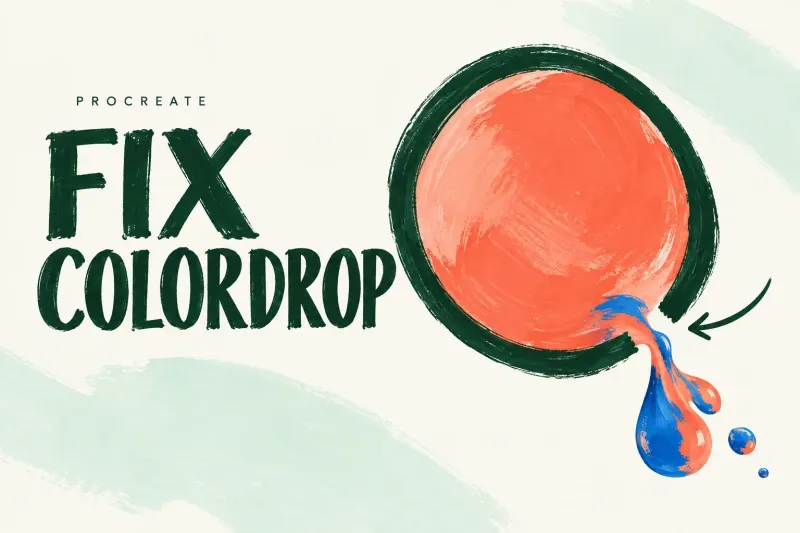
Locate a ColorDrop leak, pale rim or wrong fill boundary. Check the contour, threshold and Reference layer without treating one symptom as proof of one cause.
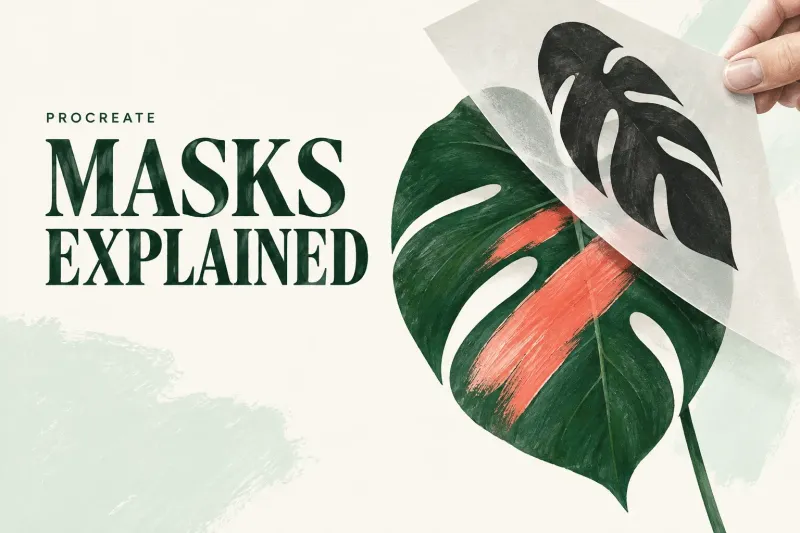
Clipping Mask keeps new paint separate, Alpha Lock edits existing pixels, and Layer Mask hides or reveals artwork. Choose by the revision you need to preserve.
Start with the mark you want to change, then adjust its control on a duplicate. Learn what spacing, smoothing, pressure, grain, and wet mixing actually do.
Make one leaf with 6B Pencil and Monoline. Follow a concrete layer sequence from rough sketch to filled shape, clipped shadow, editable backup and PNG.