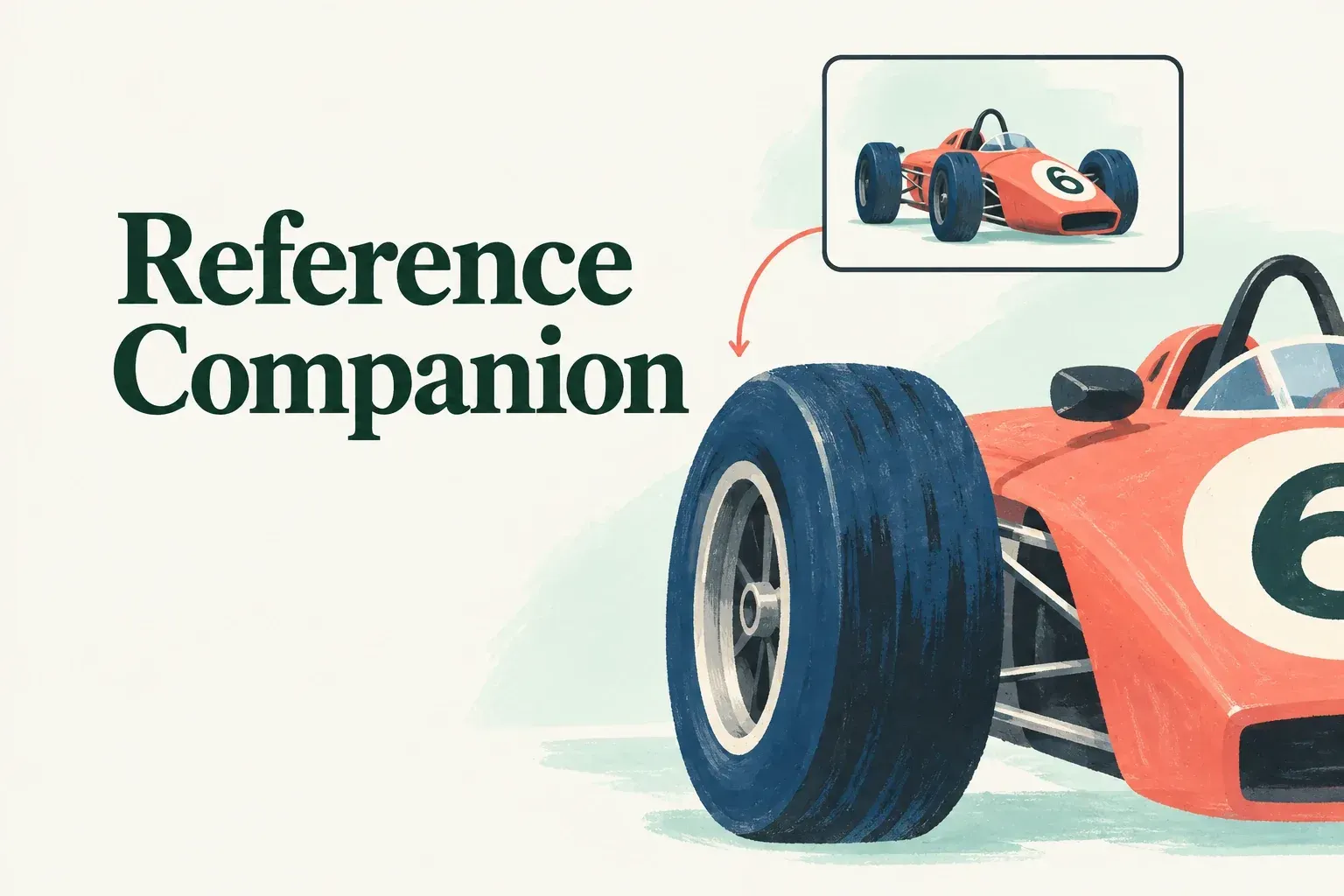
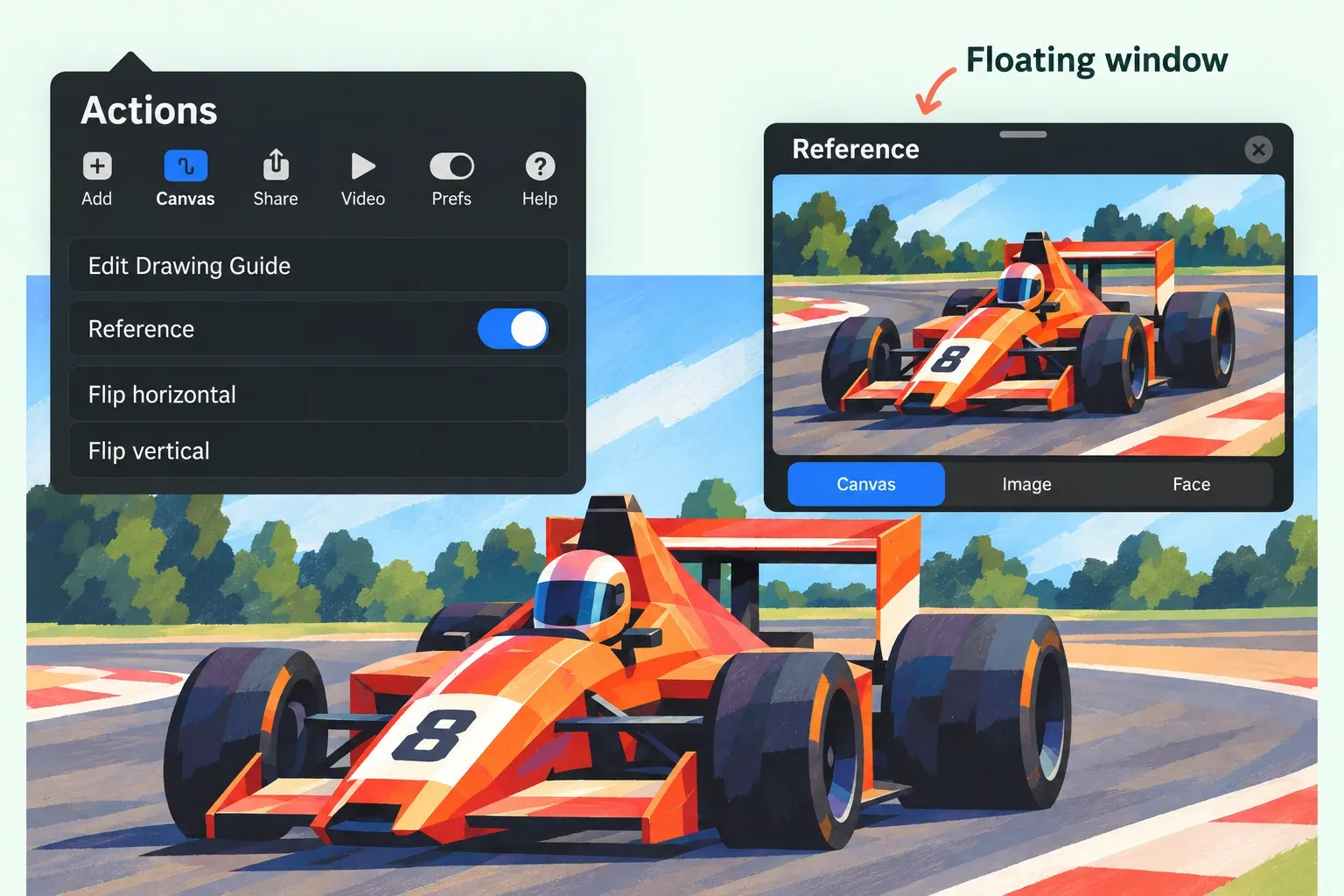
The Reference Companion is a floating window above the canvas. Open an existing canvas and go to Actions > Canvas > Reference: turn the Reference toggle on, then choose a live view of the canvas or an imported image.
The Reference setting in Layer Options uses a layer's linework to guide ColorDrop fills on another active layer. Use the floating Companion for a separate composition view or photo reference.
Pick the source you need
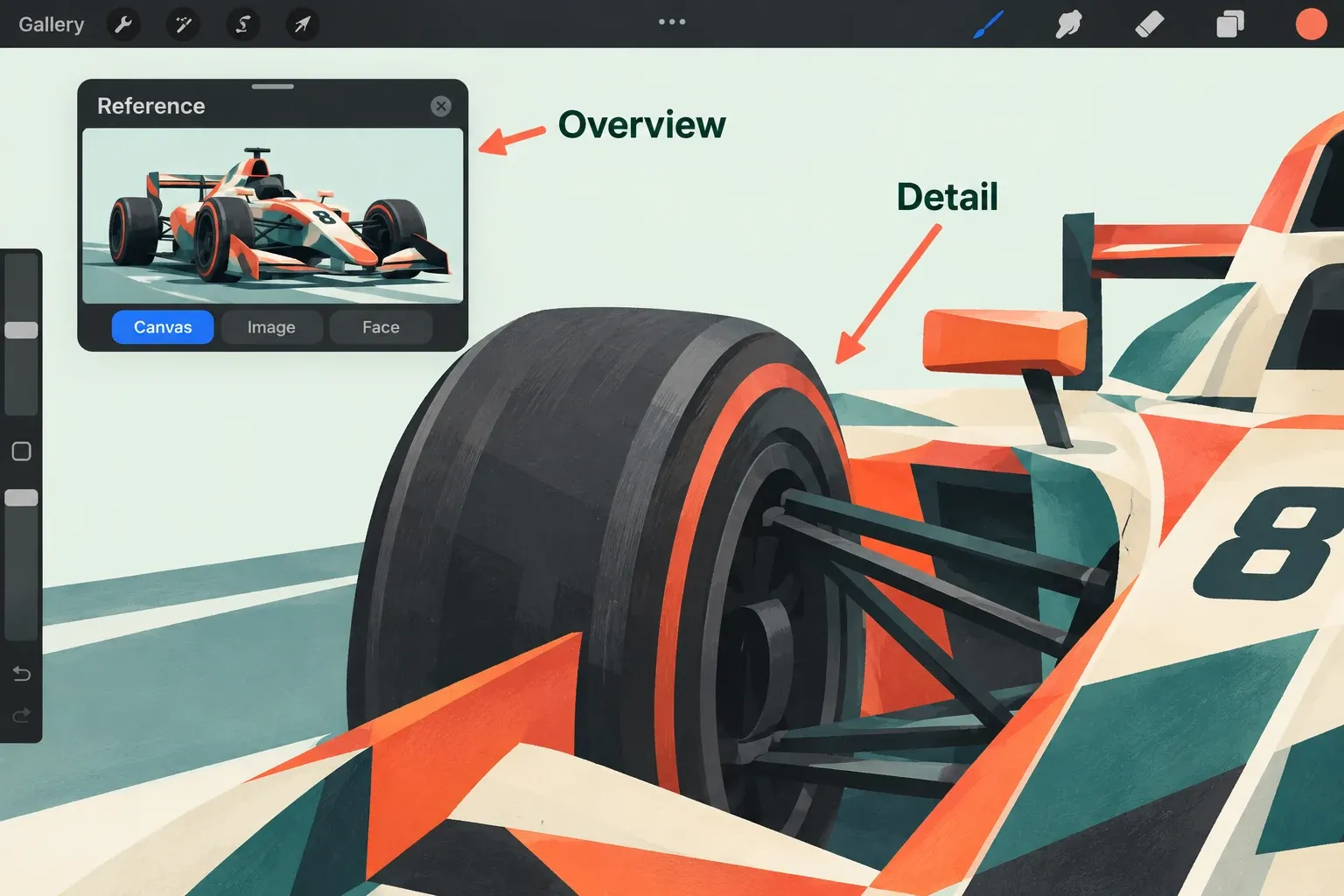
Canvas is the default mode. It shows the artwork and updates as you draw, so you can work close up while keeping the composition in sight. Pan and zoom within the Companion independently to inspect another part of the painting. The Canvas view supports the Eyedropper inside the reference window.
For a photograph, tap Image > Import Image and choose the image from Photos. Check that the intended reference appears in the window. I'd take this route for a photo reference, because the photo doesn't need to go on a painting layer.
Drag the window by its top grey handle to move it, or use a lower corner to resize it. If it covers the marks you need to inspect, move it before changing the artwork. Tapping the Companion hides its controls; tap anywhere on the window to reveal them again.
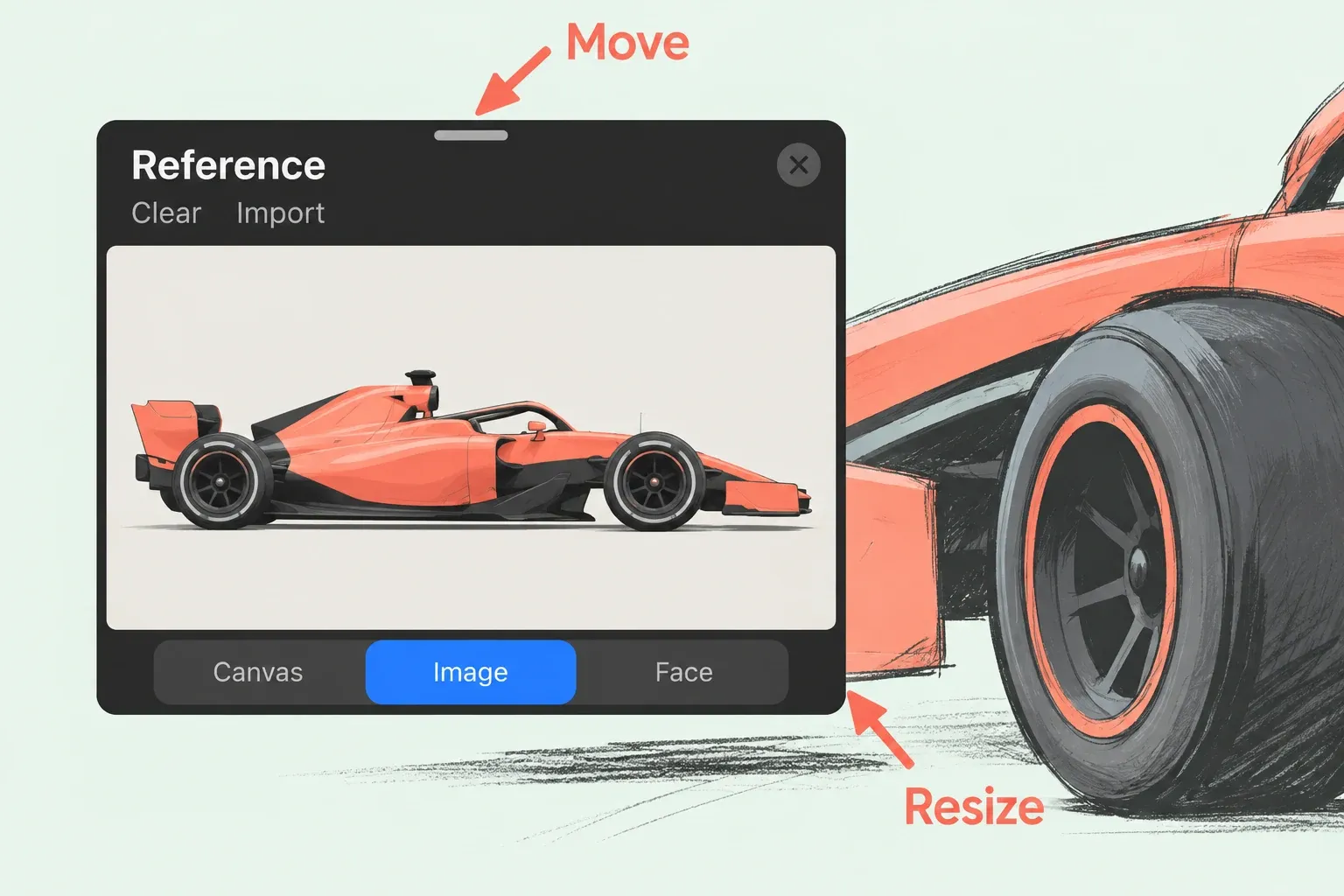
To replace a photo reference, reveal the controls and tap Clear to remove it, then Import to bring in another image from Photos. Check the replacement in the window before continuing to paint. The imported Image view is a working reference. It isn't itself a painted layer.
To close the Companion, tap the x icon or switch Reference off in Actions > Canvas. If the controls are hidden, tap the window to bring them back first.
Treat Face as a separate workflow
The Face button starts FacePaint and uses the front-facing camera on supported iPads. FacePaint requires an iPad with a TrueDepth camera or an A12 chip or later, and works with a FacePaint canvas. For ordinary drawing from a photograph, I'd skip FacePaint and choose Image instead.
Check layers and the image you will send
Before sending the artwork, inspect the canvas layers and the exported image separately. Moving the floating window out of the way doesn't prove that no other copy of the source sits on a layer. Also confirm that you have the right to use an external reference for the intended work. For the broader setup of a first drawing, see the first illustration guide.