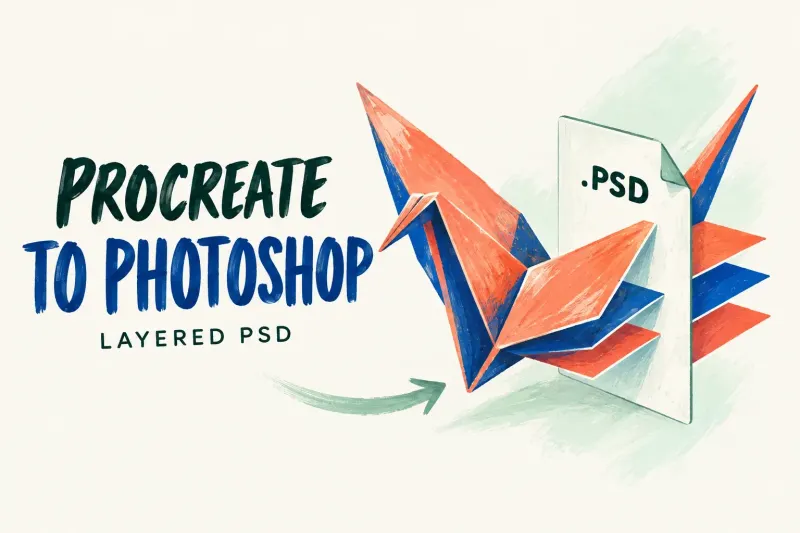
Procreate to Photoshop: Export and Open a Layered PSD
Move your drawing with Actions → Share → PSD, then File → Open in Photoshop. Keep the native source and check layers, appearance and color before editing.
Prepare dimensions, transparency and color for the file destination, while keeping your editable source.
Browse the topic library
Move your drawing with Actions → Share → PSD, then File → Open in Photoshop. Keep the native source and check layers, appearance and color before editing.
Export native Procreate copies to secure locations, keep dated checkpoints, and check that a restored copy opens before deleting or migrating artwork.
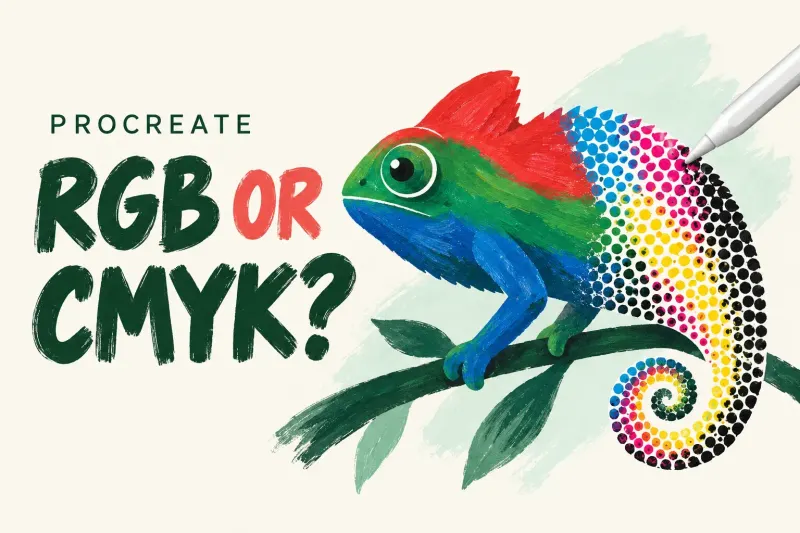
Choose RGB or CMYK from the destination's actual specification. Procreate cannot switch an existing canvas between them, so keep the native master for each handoff.
Calculate canvas pixels from the printer's trim size, bleed and requested PPI, then check the aspect ratio, layer capacity and delivery profile.
Hide Background color and any painted backdrop, export PNG, then inspect the actual saved file over light and dark backgrounds before delivery.