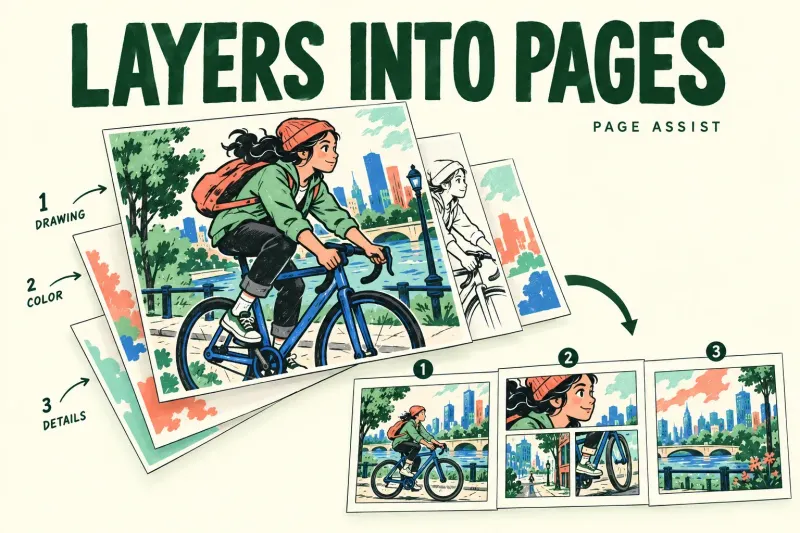
Why Procreate Layers Become Pages in Page Assist
Check Page Assist before moving or deleting layers. Understand PDF activation, page order and the current 5.4 Group menu for layered pages.

Check Page Assist before moving or deleting layers. Understand PDF activation, page order and the current 5.4 Group menu for layered pages.
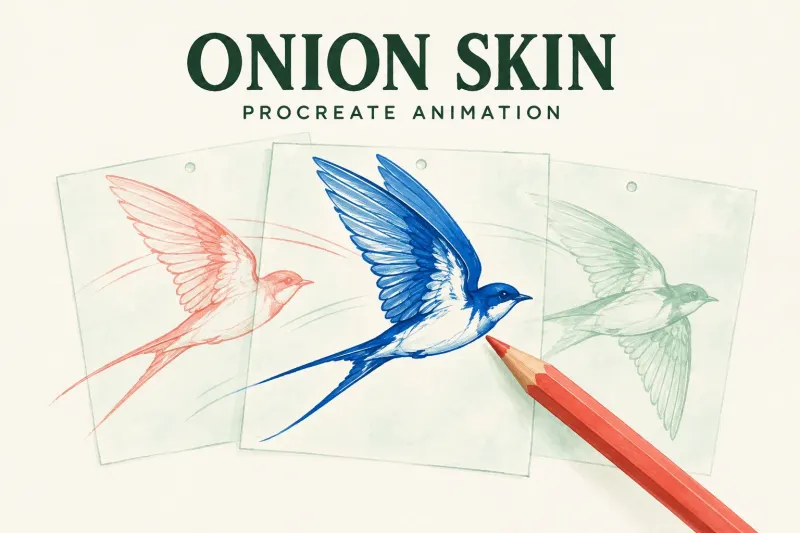
Separate the current pose from neighboring frames, adjust onion-skin count and opacity, and check the simple causes of invisible guide drawings.
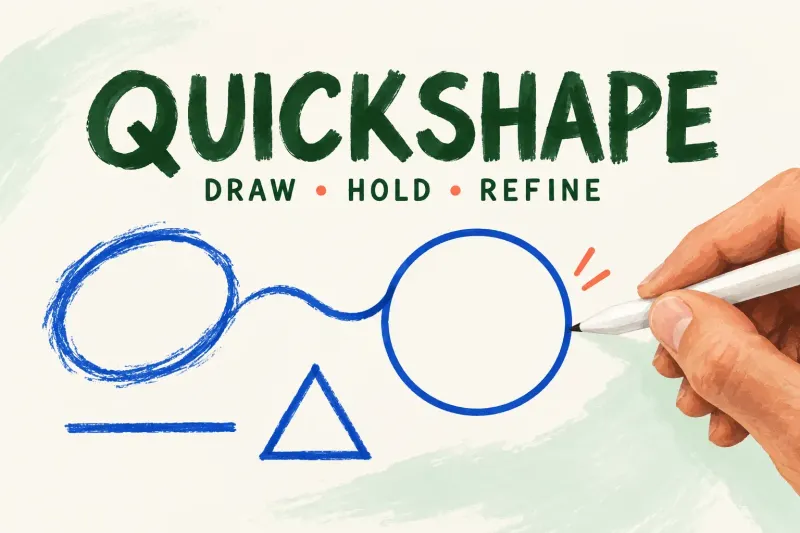
Draw, hold, snap and edit. Use a second finger for a circle or square, and check QuickShape gesture settings when the hold behaves unexpectedly.
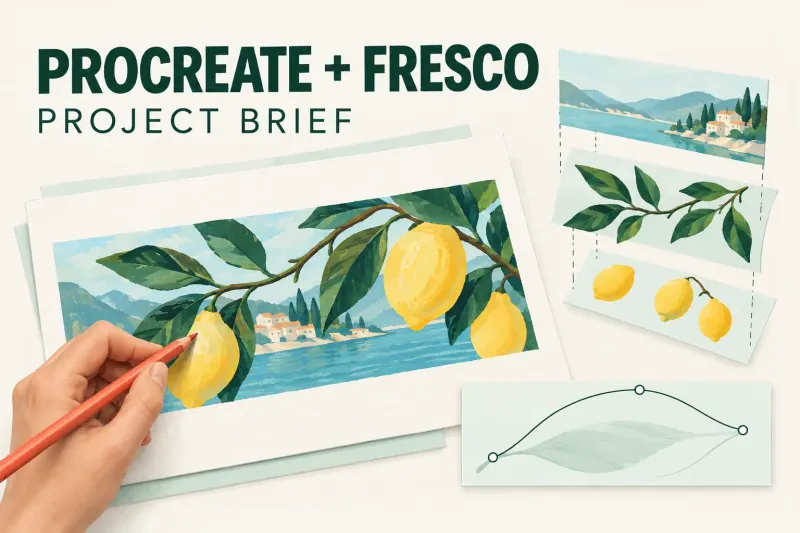
Define the finished image and next required edit before drawing. This project worksheet records recipients, file formats, source masters and the checks needed for delivery.
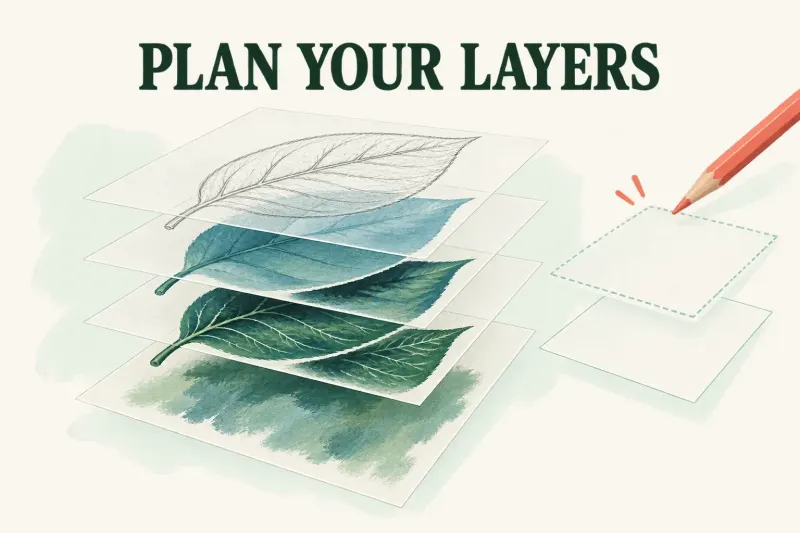
Start with the required output size, reserve layers for likely revisions, and protect an editable native copy before you merge.
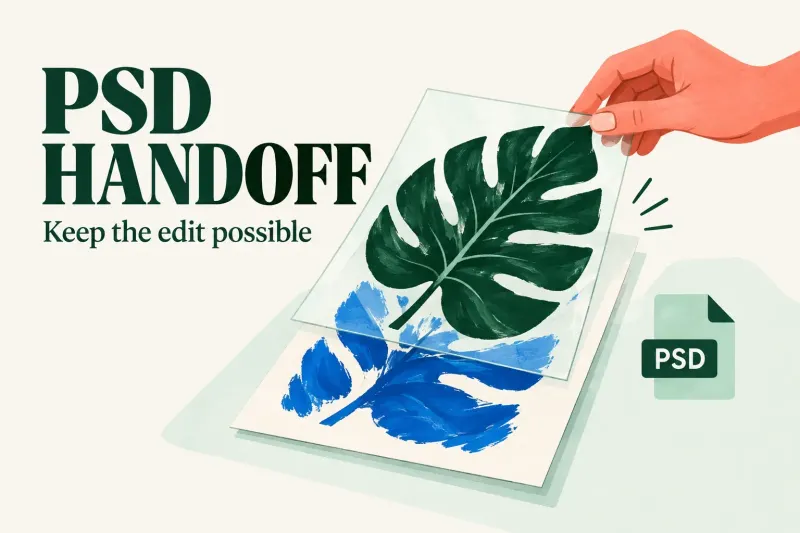
Agree on the exact edits before delivering a PSD. Check those edits and the rendered image, then keep a matching preview and the original Procreate master.
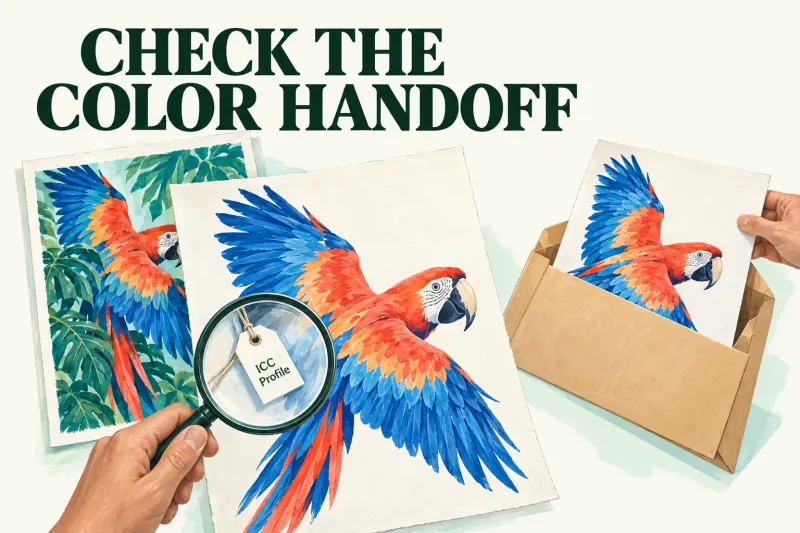
Record the recipient's profile, dimensions and format, then check the saved export. Keep unknown metadata visible and preserve the native master.
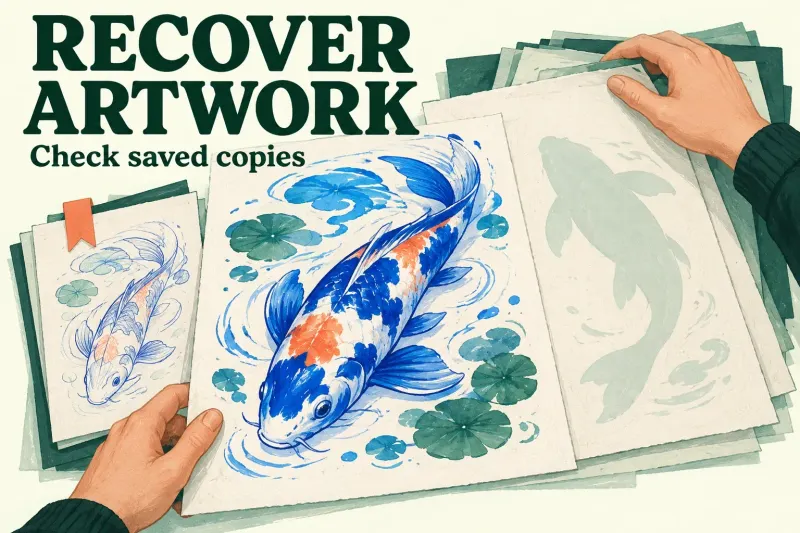
A deleted Gallery canvas needs a surviving copy or suitable device backup. Check the correct recovery route and secure newer artwork before any iPad restore.
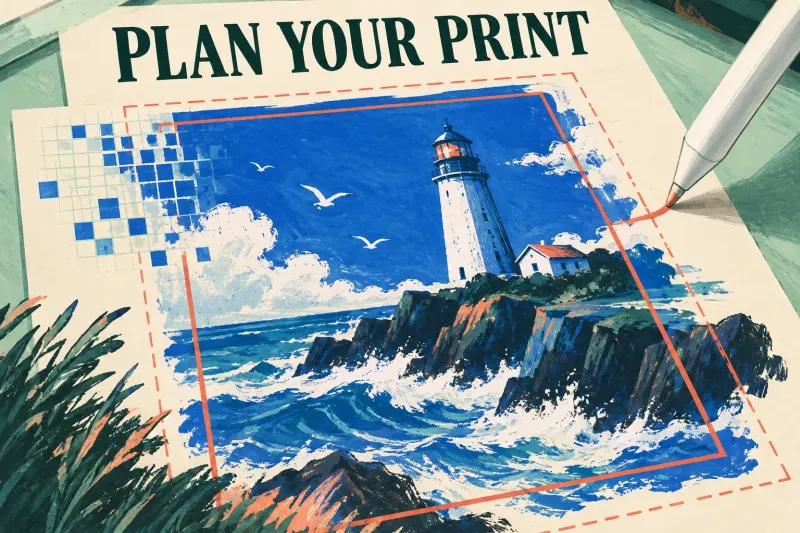
Convert print inches and the printer's requested PPI into canvas pixels, then check bleed and aspect ratio before creating the delivery file.
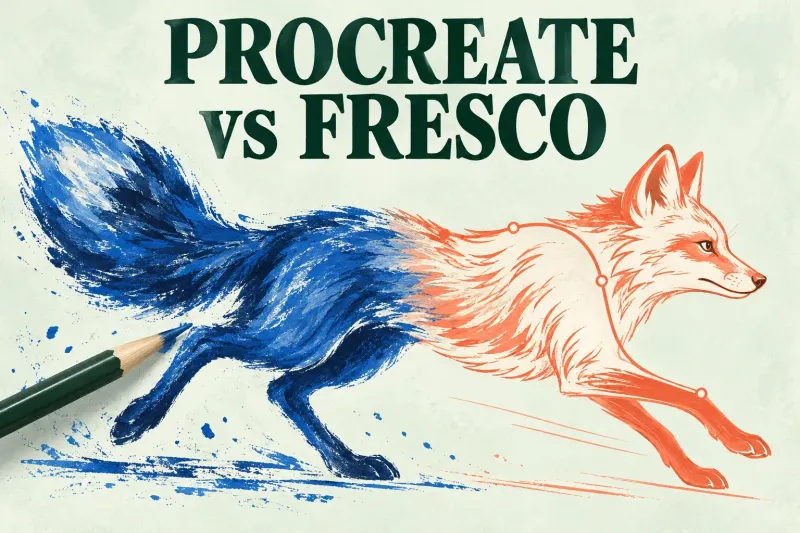
I'd choose Procreate for a raster illustration finished on iPad, and Fresco for editable vector strokes, Live Brushes or compatible Windows drawing. Check the delivery first.
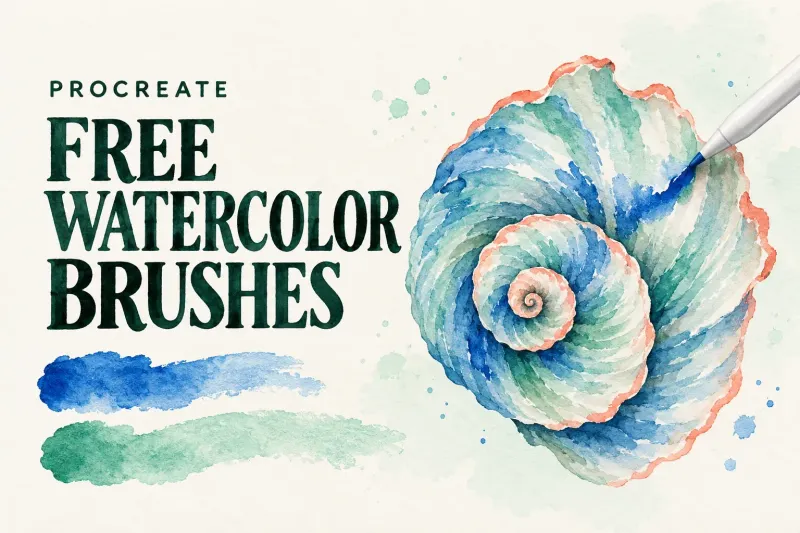
Three creator-hosted watercolor packs, with the included paper, access requirements, and commercial-use limits explained before you download.
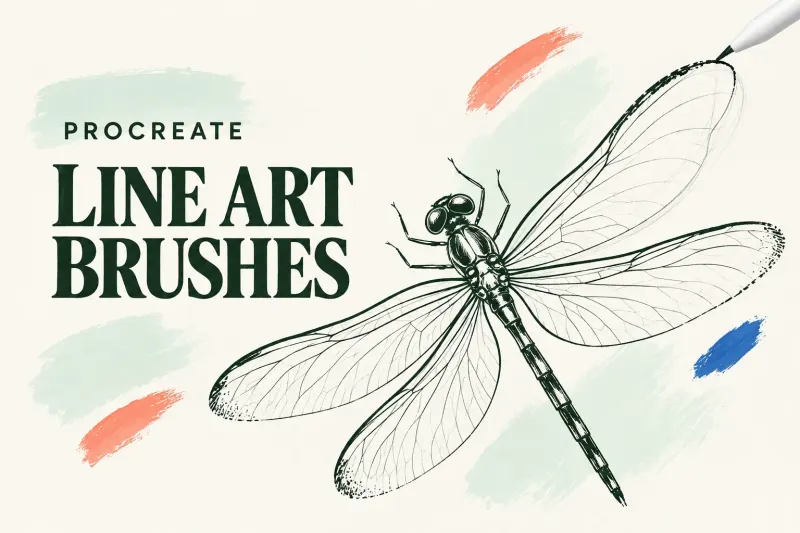
Choose a stock brush for controlled contours, finished ink, textured outlines or pencil-like lines. Follow current Classic Library paths and one focused smoothing adjustment.