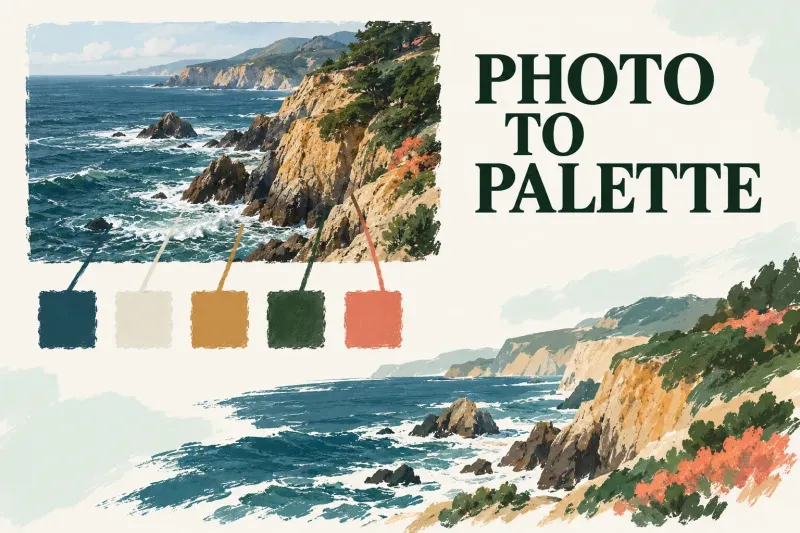
Make a Procreate Color Palette from a Photo or File
Create swatches from a photo or JPG/PNG file, rename the palette, set it active and save a shareable copy before deleting it.

Create swatches from a photo or JPG/PNG file, rename the palette, set it active and save a shareable copy before deleting it.

Create and rename Gallery Stacks, add artwork after the blue-flash cue, and move canvases back out. Keep organization separate from a verified backup.

Build three meeting faces with the Isometric Guide. Move or rotate the grid and assist only the layers that need its directions.

Soften the selection boundary with Feather, compare it with 0%, and distinguish clearing a selection from undoing the edit already applied.

Choose one point for a straight corridor, two for a corner, or three for converging verticals. Position the guide and assist the intended layer only.
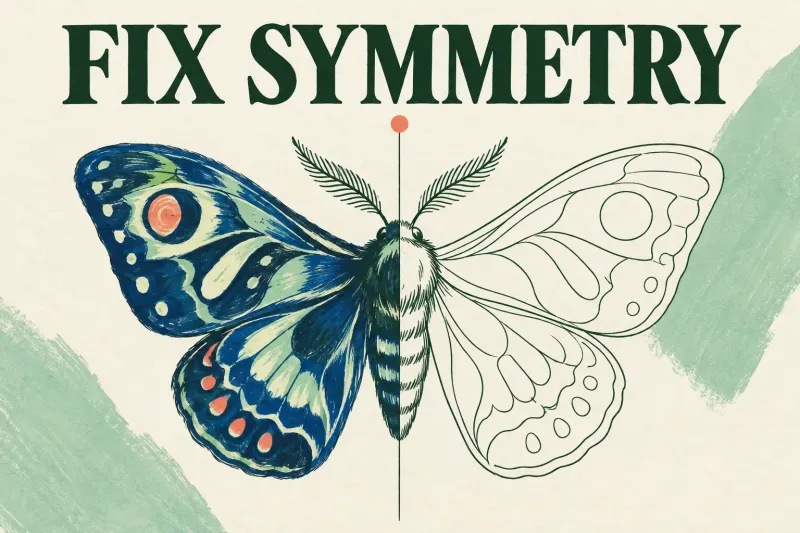
Check the Assisted tag for missing mirrors, the guide controls for a missing axis, and Mirror or Rotational mode for unexpected repetition.
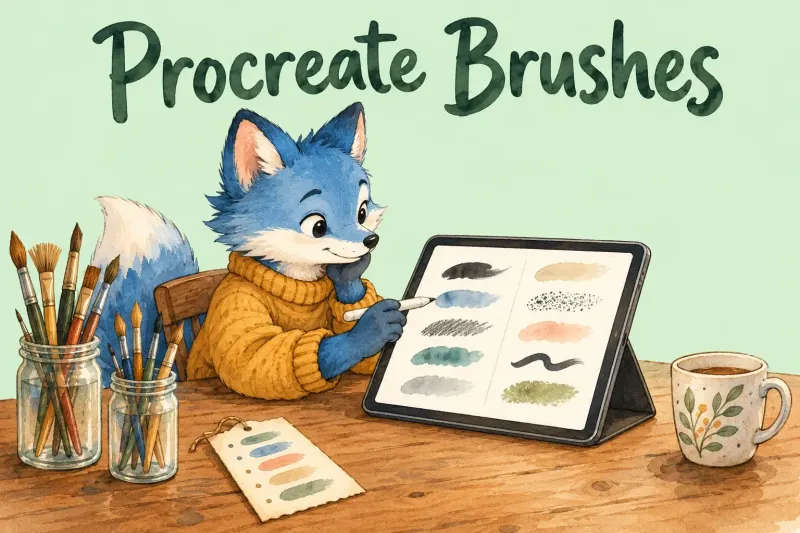
Procreate ships two brush libraries: 18 Procreate Library sets added in 5.4 and 18 Classic sets. Free extras come from Procreate's Legacy page and Folio Resources; single paid sets cost a median of $19 across 69 sets from five shops, and unlimited plans run $199 a year.
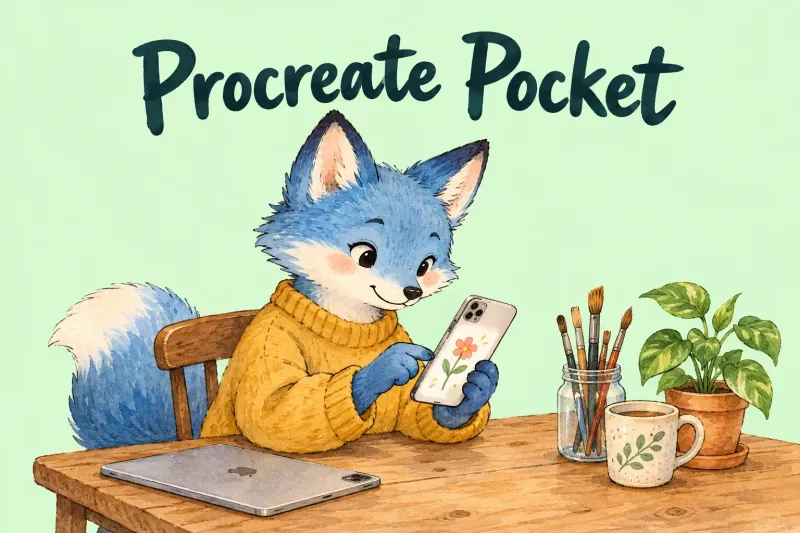
Procreate Pocket is the $5.99 iPhone version of Procreate, sold separately from the iPad app. Pocket 5 matches iPad brush settings and adds 150-plus brushes and Page Assist, but it has no 3D Painting, no documented Apple Pencil support yet, and ratings 0.5 to 0.7 stars below the iPad app.
Start a canvas in the Gallery, learn the three zones of the interface and the gestures that replace most buttons, then export and keep a .procreate copy. Procreate's own Beginners Series adds up to 69 minutes of video and 2.5 to 3.5 hours of lessons, split here into four sittings.
Procreate Dreams is a separate $12.99 iPad app that animates with Flipbooks, keyframes and live Performing, with sound and video on the same timeline. Here is what Dreams 2 and 2.1 changed, how four review scores land, the track limit for each iPad and who should buy it.
Procreate for Mac and Procreate 6 aren't out. The goal is 2027, with no date or beta yet and no Intel support. I'd stay on iPad and watch for the beta call.
Procreate works on iPadOS 27. Two problems remain: Pencil strokes that never land, fixed by turning off Zoom, and large-canvas crashes that iPadOS 27.0.1 resolved. I'd back up the gallery before updating.